
How to Register on Qiwa: Individual and Establishment Login via Nafath 2026
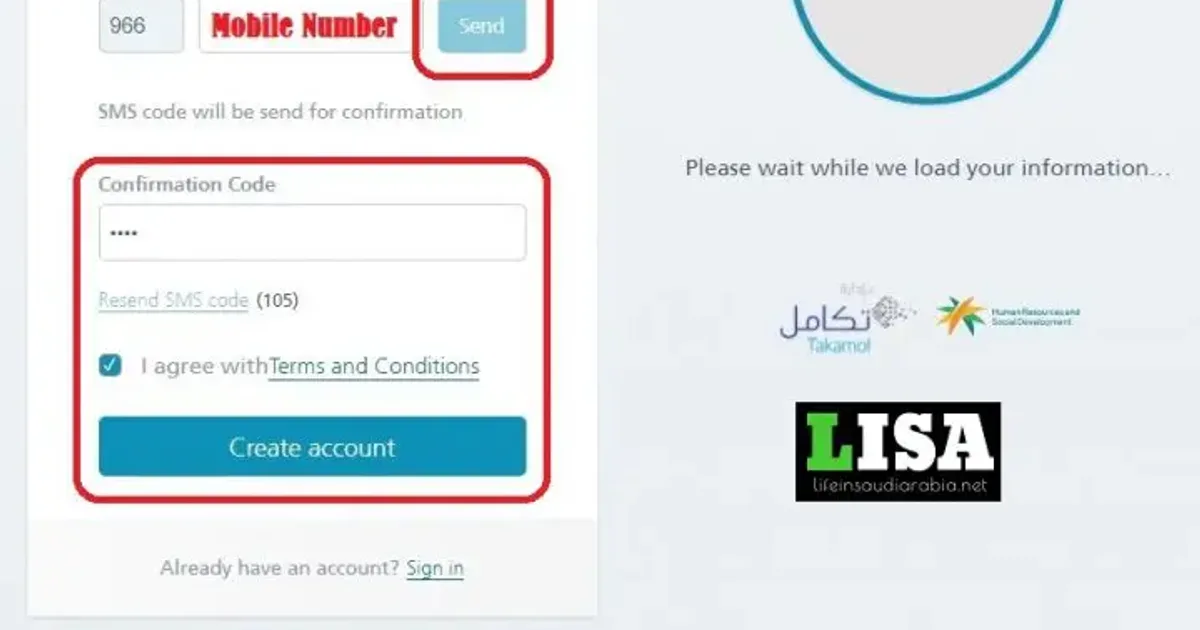
You access the Qiwa platform today at qiwa.sa or through the official "Qiwa" app using Unified National Access (Nafath) only, without creating a platform-specific password. The platform belongs to the Ministry of Human Resources and Social Development and consolidates more than 130 primary and sub-services for the three labor-market parties: individuals (Saudi employees and residents), establishments (employers and authorized representatives), and government entities.
What Is the Qiwa Platform?
A unified digital platform launched by the Saudi government through the Ministry of Human Resources and Social Development, providing automated, instant access to all labor-sector services without paper transactions. According to the ministry's platforms page, Qiwa aims to enhance localization and compliance, improve contractual relations, and re-engineer policies and procedures toward an integrated, competitive labor market that supports the national economy.
How Do Individuals Log In to Qiwa?
- Open qiwa.sa or the "Qiwa" app from the official store.
- Select "Sign In."
- Choose "Unified National Access (Nafath)."
- Enter your national ID number, residency number, or Absher username.
- Open the "Nafath" app on your phone and select the displayed number to confirm login.
- You are taken directly to the "Qiwa Individuals" dashboard, where your contracts and professional data appear.
Note: The platform has discontinued the method of creating an account with a password, email, and Absher verification code; the only approved method now is login via Nafath. Do not enter your data on any page that asks for a password other than the official Nafath portal.
What Services Does an Employee Get on Qiwa?
- Contracts: Review and approve the employment contract before documentation, or object if there is a discrepancy, with access to contract history and the ability to download a copy.
- Certificates: Experience certificate with job title and start date, and salary certificate for banks and official entities.
- Service Transfer: For residents, request transfer between employers per regulatory conditions; Saudis transfer via resignation and new appointment.
- Labor Complaints: File a complaint for delayed wages or contract violation, attach documents, and track status from the dashboard.
Individual services on Qiwa are completely free (contract documentation, complaints, certificates).
How Does an Establishment Register on Qiwa?
- Go to qiwa.sa and sign in via Unified National Access using the owner's or authorized representative's personal account.
- Add basic establishment data: commercial registration number, activity type, location, and establishment representative.
- Link the establishment to an official authorized representative who can conduct transactions on behalf of the owner.
- Link the establishment's bank account via the Mudad platform to activate wage-protection services.
- Verify that the employee count in Qiwa matches the General Organization for Social Insurance records.
What Are the Key Services for Establishments on Qiwa?
| Category | Example Services |
|---|---|
| Contracts | Document, renew, amend, and terminate contracts |
| Employee Services | Transfer services between establishments, change profession, issue visas |
| Compliance | Localization certificates, establishment documents, monitor Nitaqat compliance |
| Legal Services | Absence reports, termination requests, complaints |
Registration is free for all establishments, but some services are subject to government fees shown when submitting the request; the reference is what the platform displays at the moment of service submission.
What Are the Prerequisites Before Registering on Qiwa?
- Active Unified National Access account and the "Nafath" app on your mobile.
- Valid national ID or residency permit.
- For establishments: valid commercial registration, activity and location data, approved authorized representative, establishment bank account.
- Employee data in Qiwa must match Social Insurance records.
Key Figures
- Targeted number of services: More than 130 primary and sub-services (added gradually per a timeline) — User Guide (Qiwa)
- Beneficiary categories: Employers, individuals, non-profit entities — User Guide (Qiwa)
- User Guide publication date: July 14, 2019 (11 Dhu al-Qi'dah 1440) — User Guide (Qiwa)
What to Watch When Using Qiwa
- Do not approve a contract you haven't read: Electronic approval is binding; review salary, title, and duration before accepting.
- Beware of fake links: Always enter via qiwa.sa or the official app, and do not approve a Nafath request you did not initiate yourself.
- For establishments: Data mismatch with Social Insurance may disable some services or affect Nitaqat calculation.
- Verify fees at the time of request: Figures circulating on other sites may be outdated; the reference is what the platform shows when you submit the service.
Summary and What to Follow Up
Sign in now via qiwa.sa using Nafath, and review your contracts and certificates if you are an employee, or complete linking your establishment to Mudad and verify Social Insurance data matching if you are an employer. Track the addition of new services (more than 130 planned) through the official User Guide, and confirm actual fees at the moment of each request inside the platform.